Lemmy Alternative UIs
Don't like how Lemmy looks? There are a variety of different themes and interfaces that you can switch to. These user interfaces (UIs) are built by the community and provide a different look and feel to the default UI.
Some instances offer multiple UIs, so that you can access Lemmy with the UI that you like the most. All of them have the same content, so you can switch between them as you like. For example, the following UIs are available on our instance lemmy.ca.
TIP
You can see both light and dark mode screenshots by toggling the site theme in the top right corner of the page.
Default UI
This is the default UI that you will see when you access lemmy.ca.
- Simple and clean UI that is easy to use
- Built by the main developers of Lemmy, so it is the most stable and reliable UI available
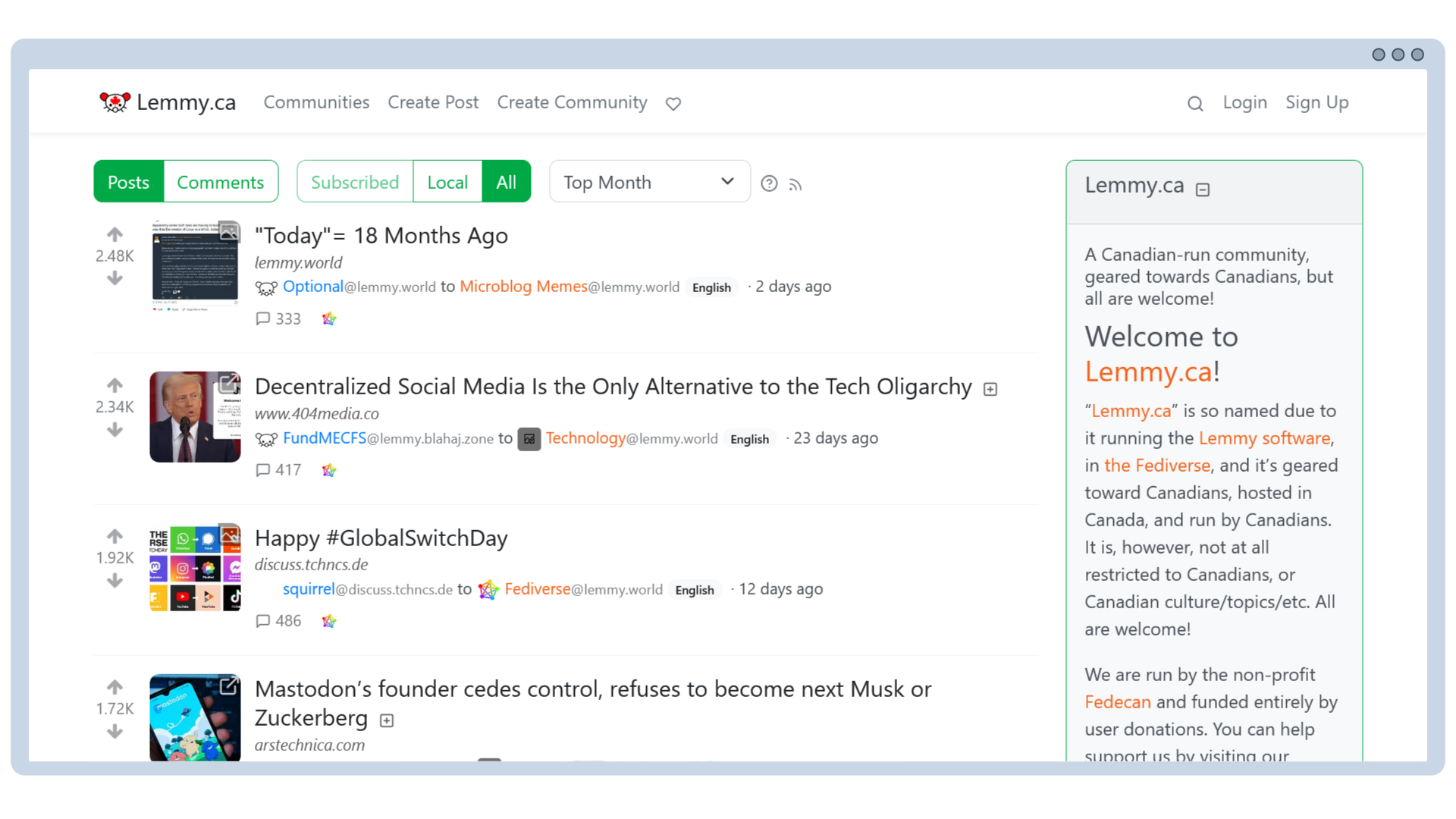

Screenshot of the default theme for Lemmy.
Photon
You can access lemmy.ca with the Photon UI by going to photon.lemmy.ca.
- A more modern and sleek UI, that is fast and lightweight with responsive design
- Support for moderation tools and multi-account switching
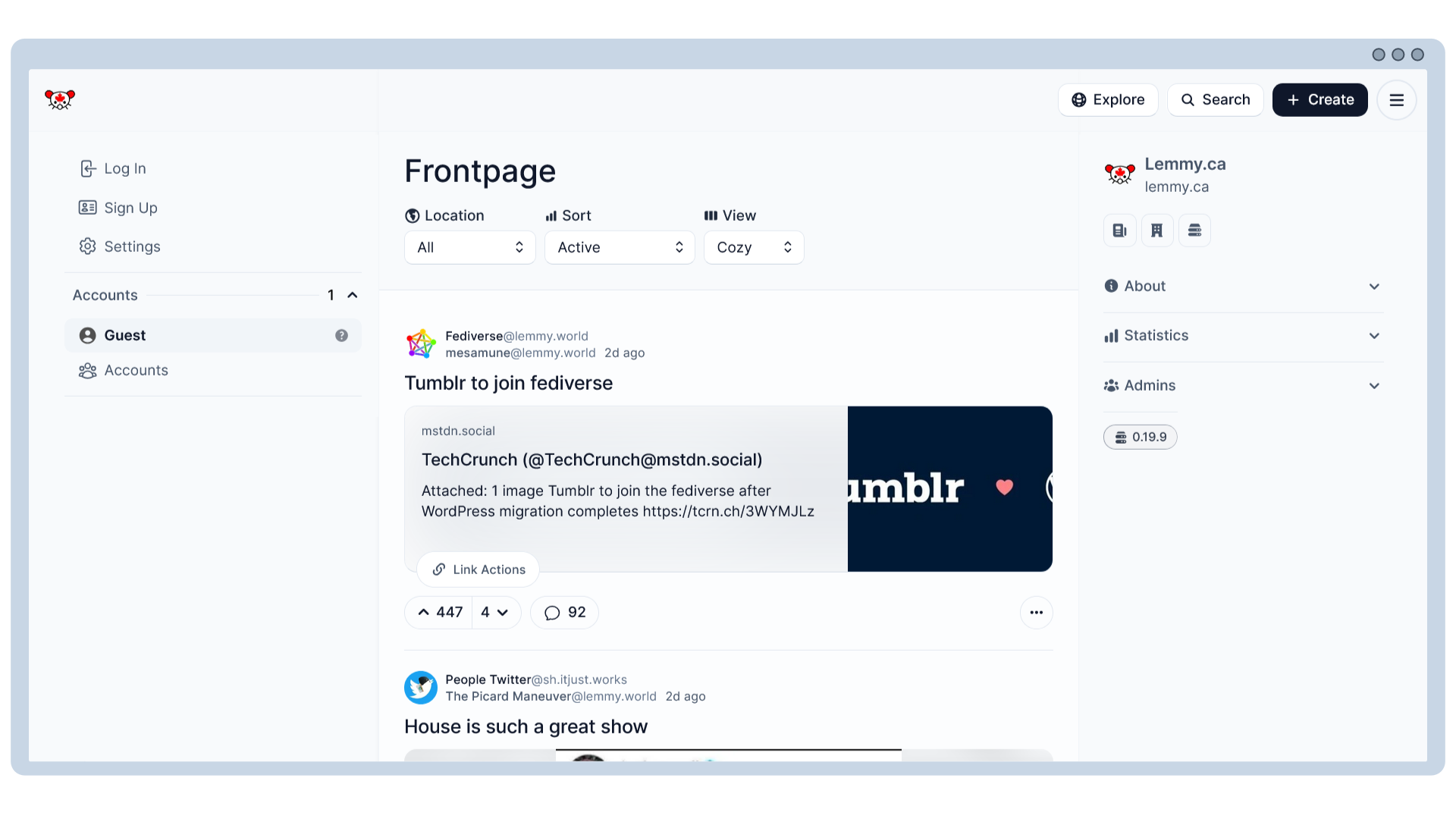
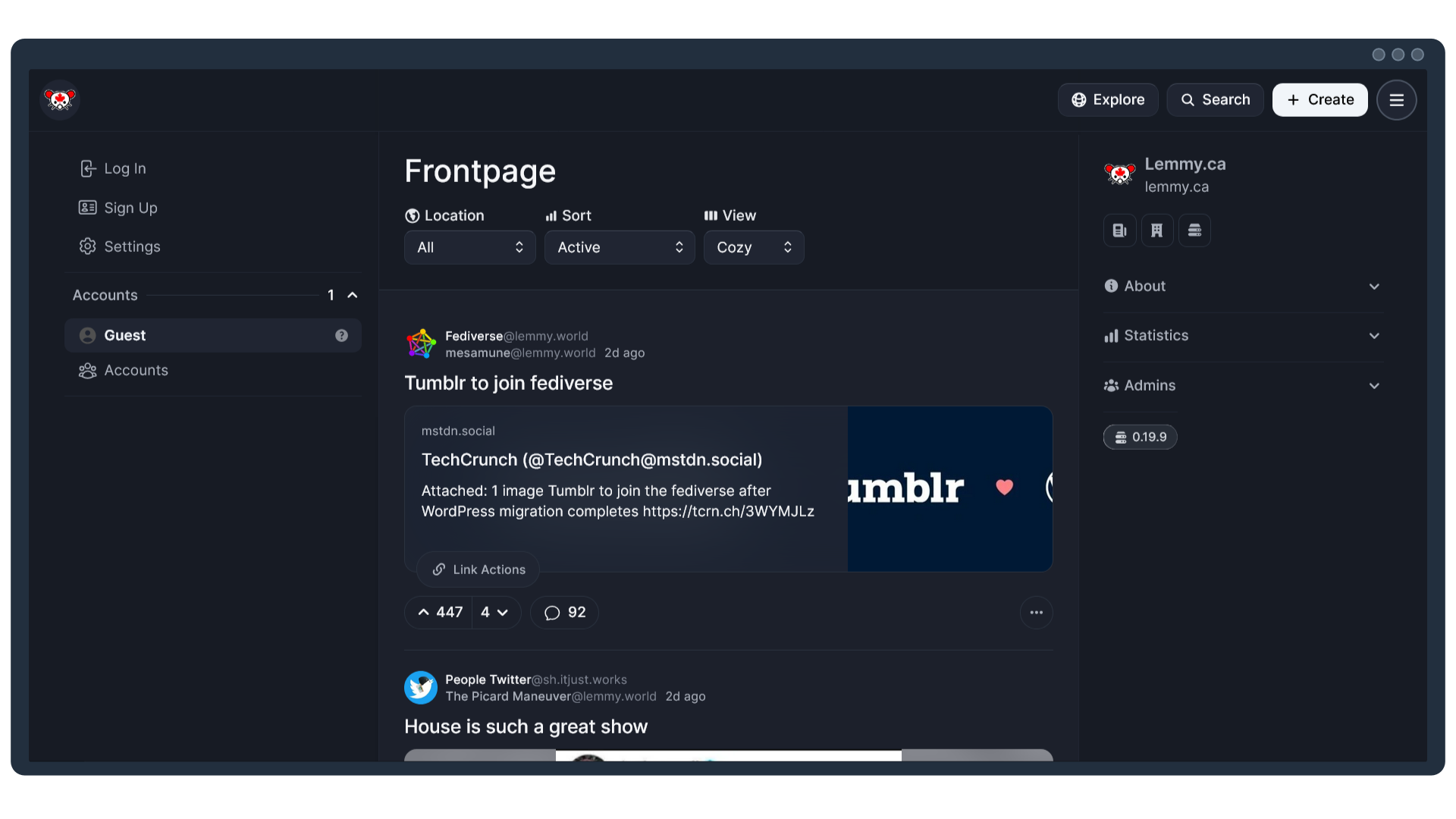
Screenshot of the Photon alternative UI.


Other Links:
Voyager
You can access lemmy.ca with the Voyager UI by going to voyager.lemmy.ca.
- It is mobile-first
- A great way to use lemmy through your phone's web browser
For more information and screenshots, you can visit the Voyager website, or their GitHub.


Tesseract
You can access lemmy.ca with the Tesseract UI by going to tess.lemmy.ca.
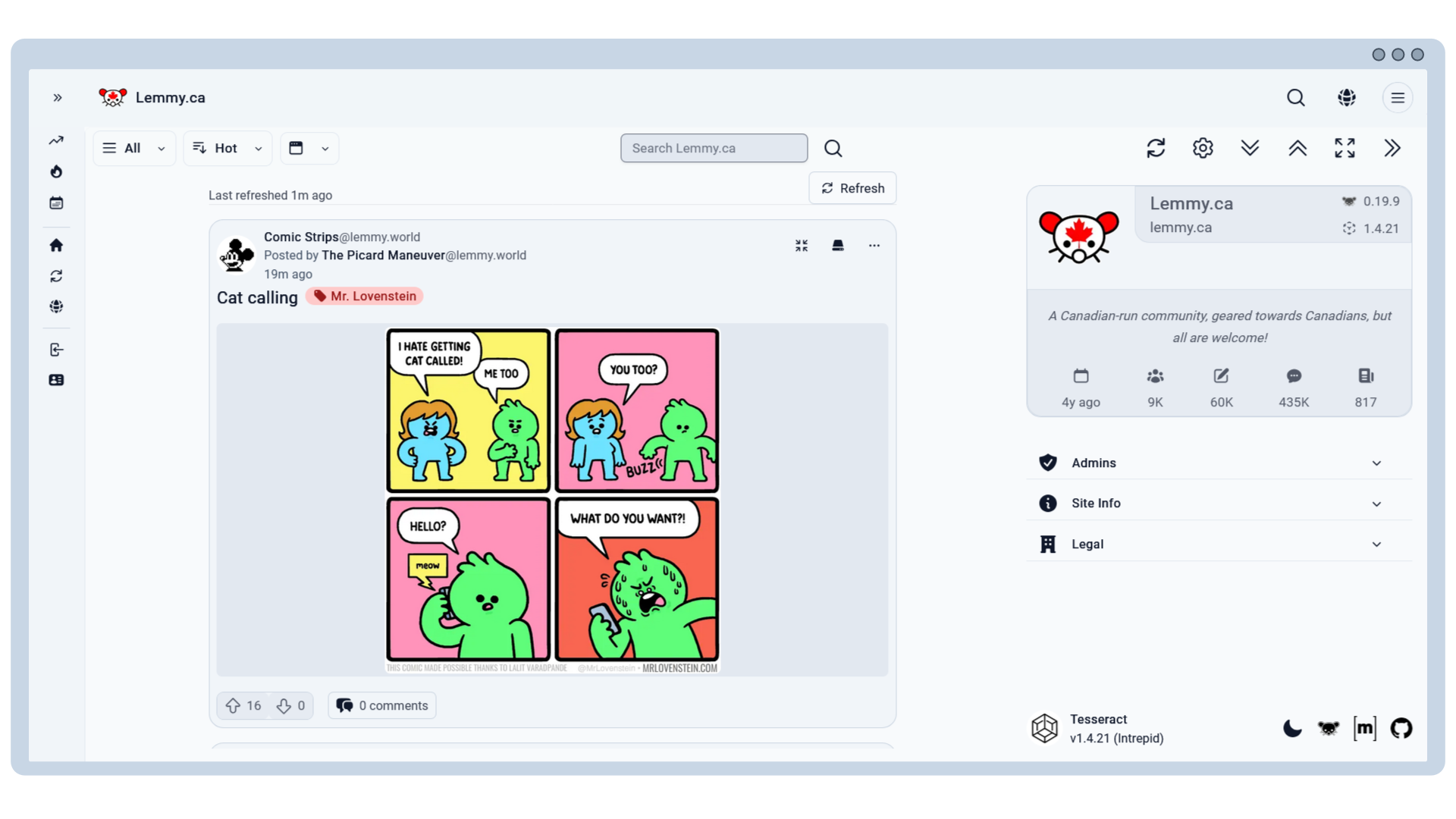
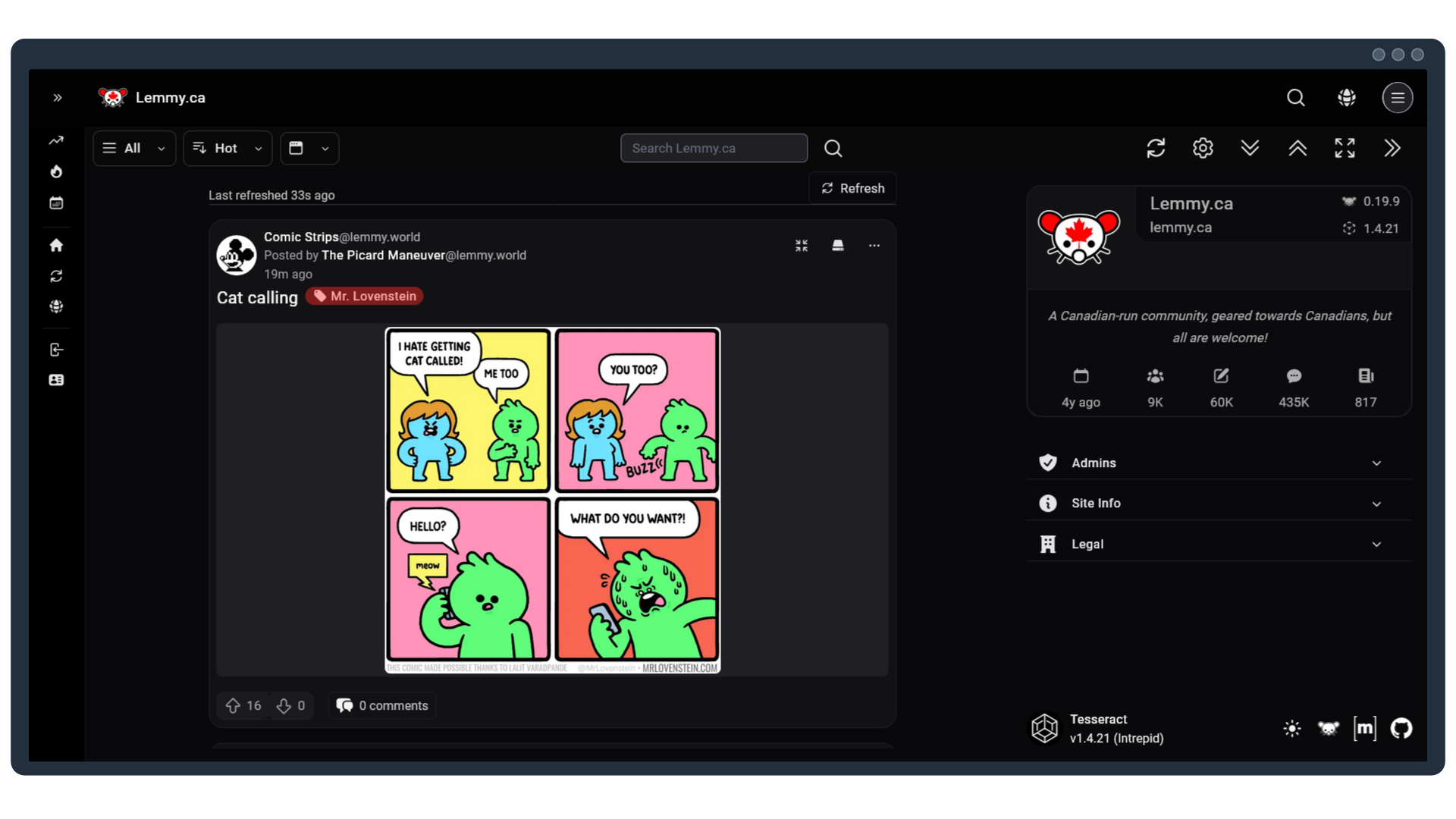
Screenshot of the Tesseract alternative UI.


Alexandrite
You can access lemmy.ca with the Alexandrite UI by going to alex.lemmy.ca.
- Variety of layout options (ex. open post as an overlay, or side-by-side with the main feed)
- Support for moderation tools and multi-account switching
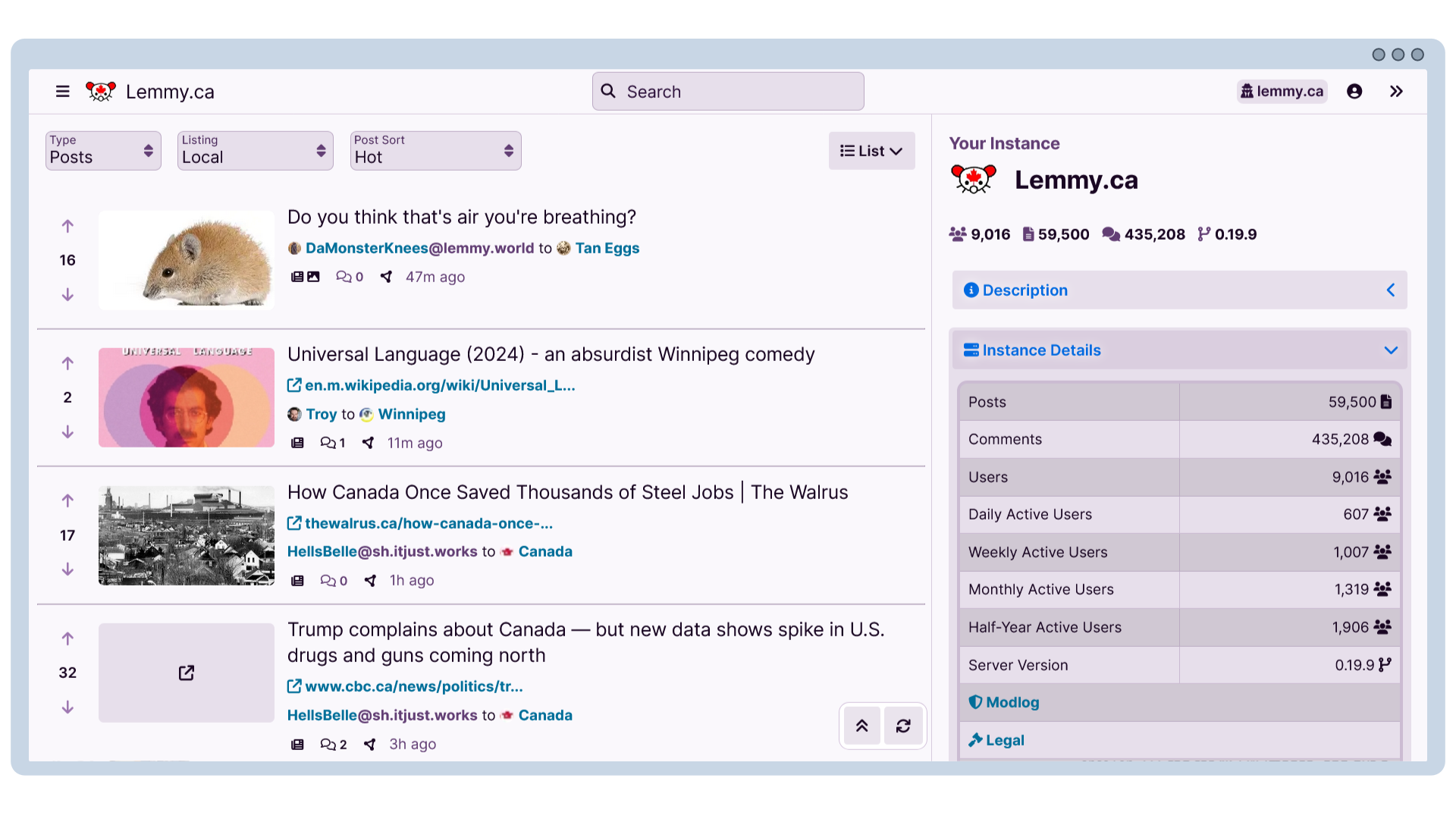
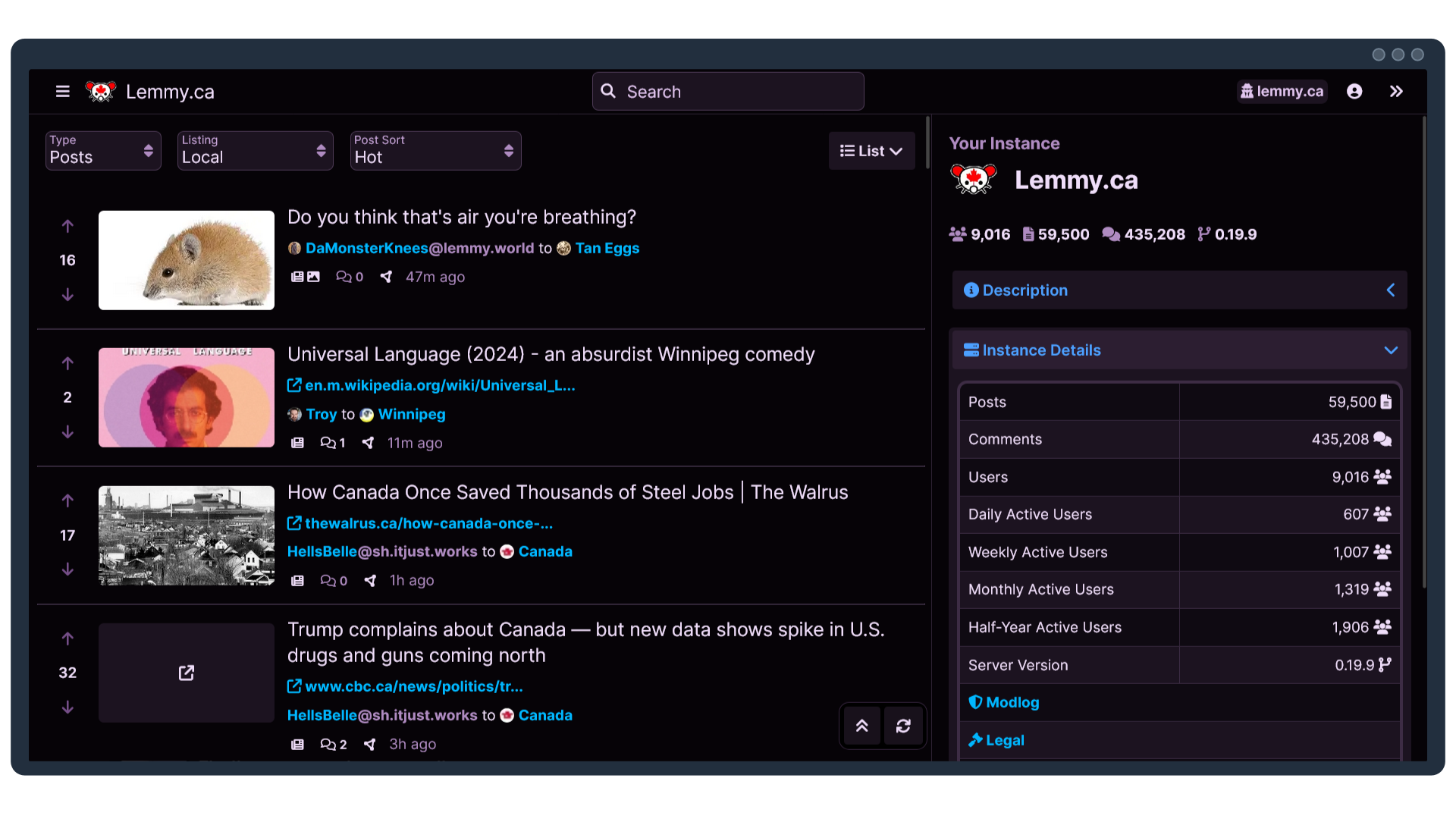
Screenshot of the Alexandrite alternative UI.


Other Links:
Mlymym
You can access lemmy.ca with the Mlymym UI by going to old.lemmy.ca.
- A retro UI that is reminiscent of old Reddit
- While it can be accessed on mobile, it is best used on a desktop
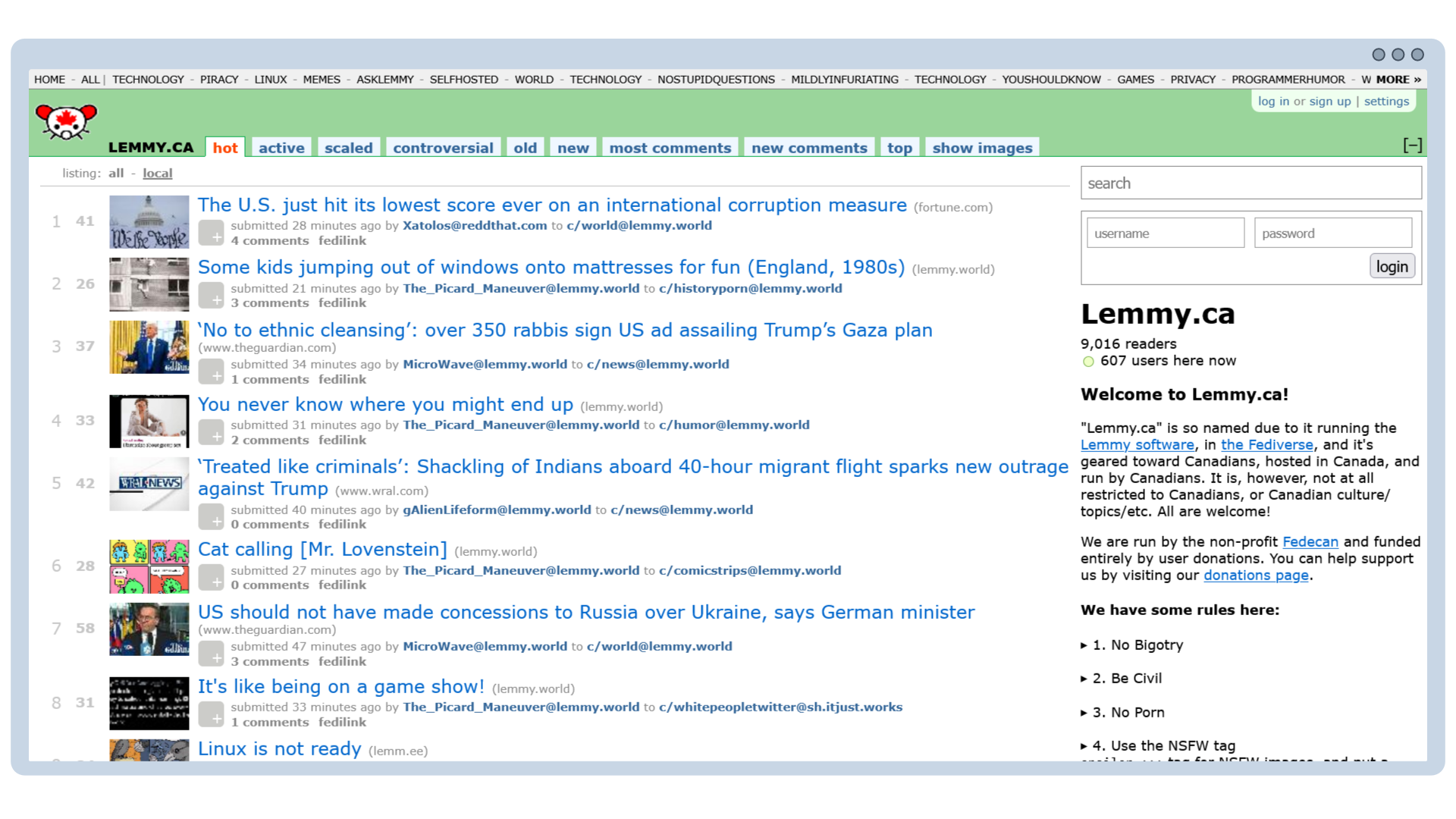
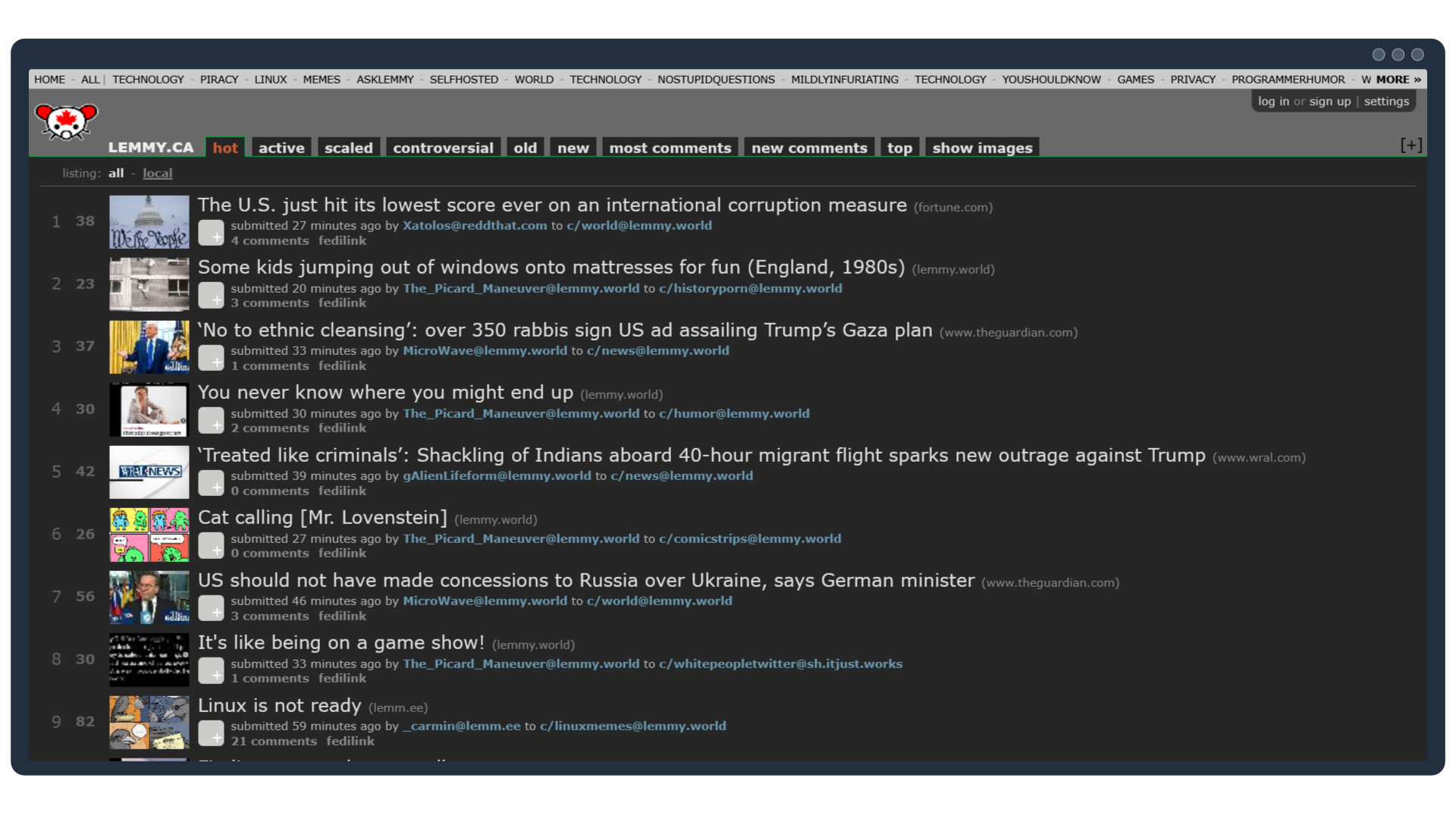
Screenshot of the Mlymym alternative UI.


Other Links: